
Music · iPhone Duo
Simple Fade
Run every event without a dead moment.
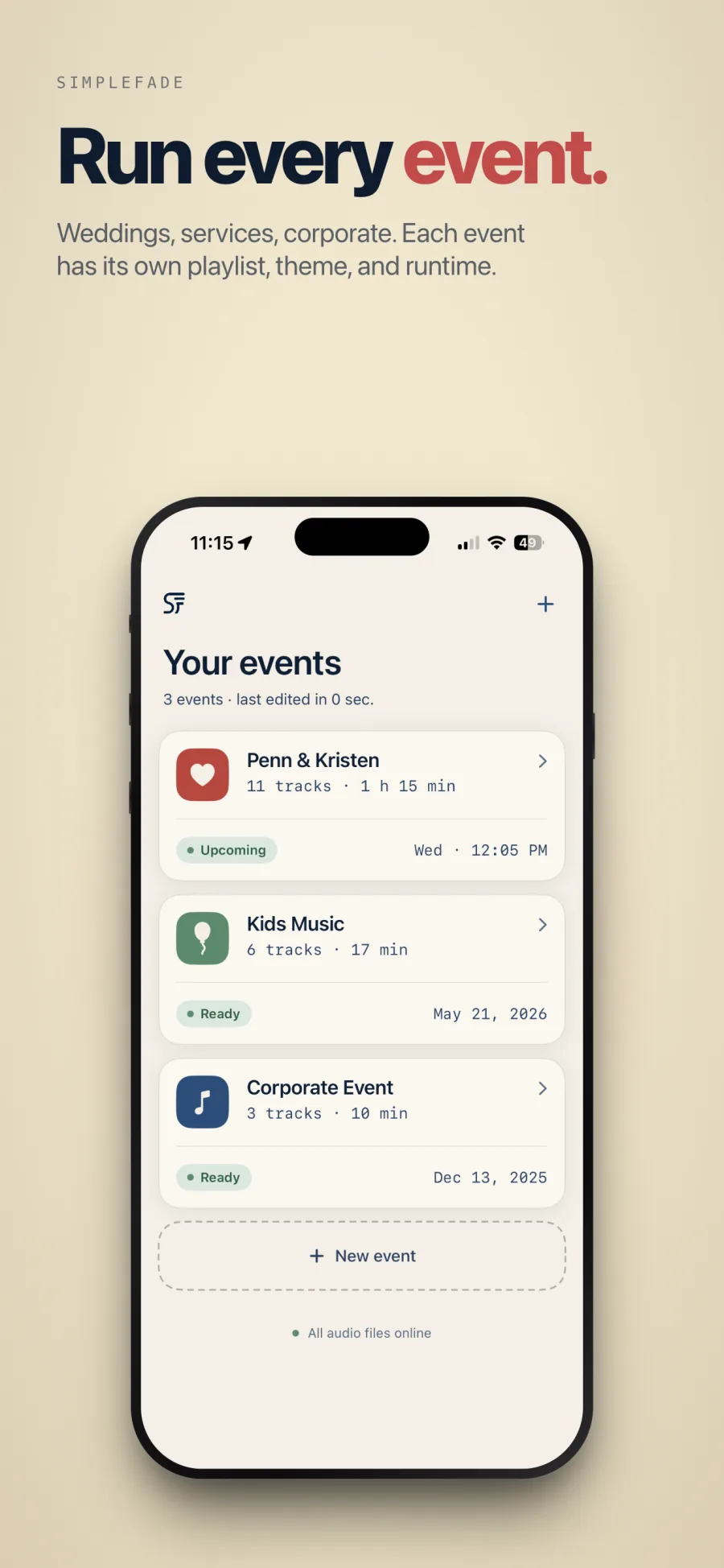
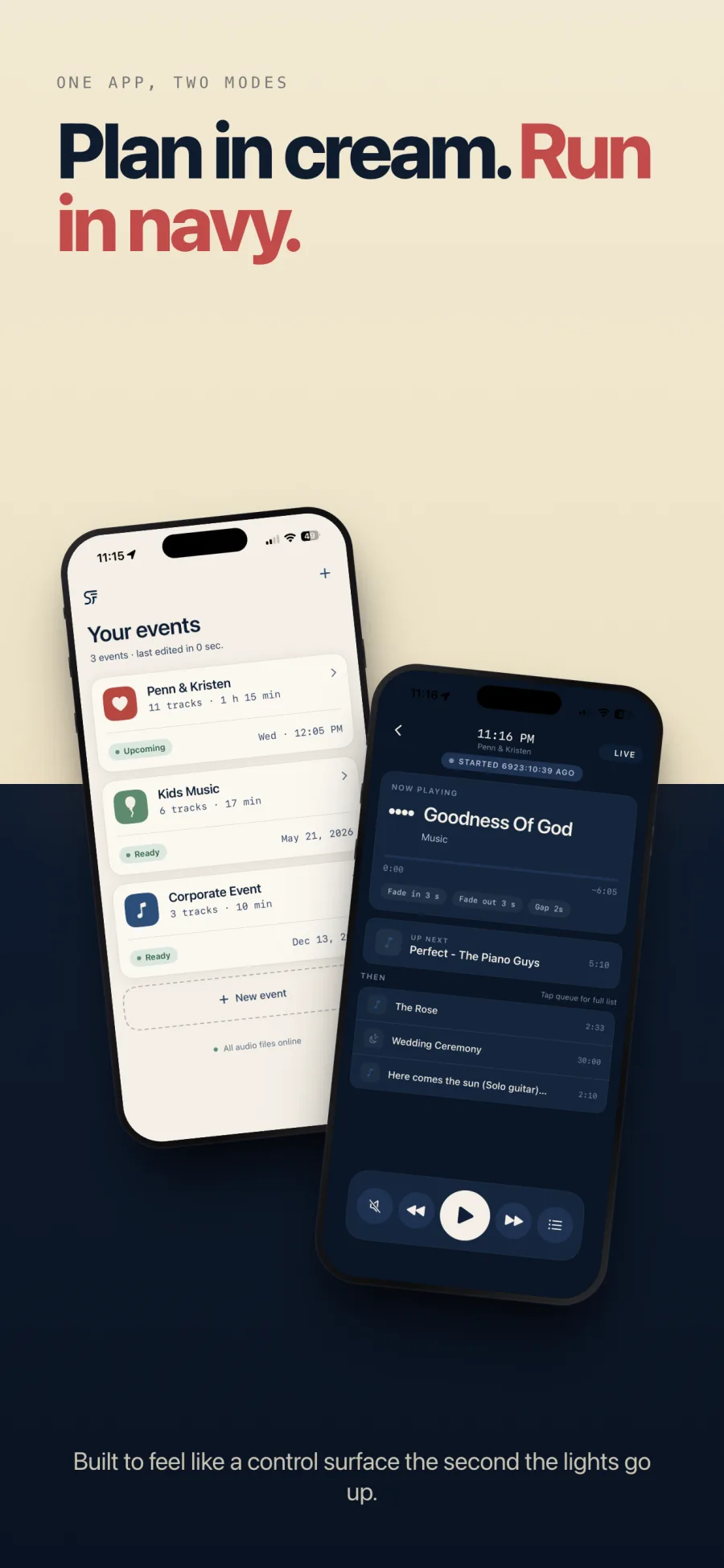
Simple Fade helps you run an entire event without a single dead moment. Plan your music, your cues, and your silent breaks in advance, then run the whole thing live with crossfades that never miss.
Built for anyone who needs the right sound at the right second — ceremonies, parties, workouts, performances, and everything in between.
On the web
Plan your event at simplefade.com
See how it works, compare per-event and unlimited pricing, and get answers to common questions before your big day.
Visit simplefade.com ↗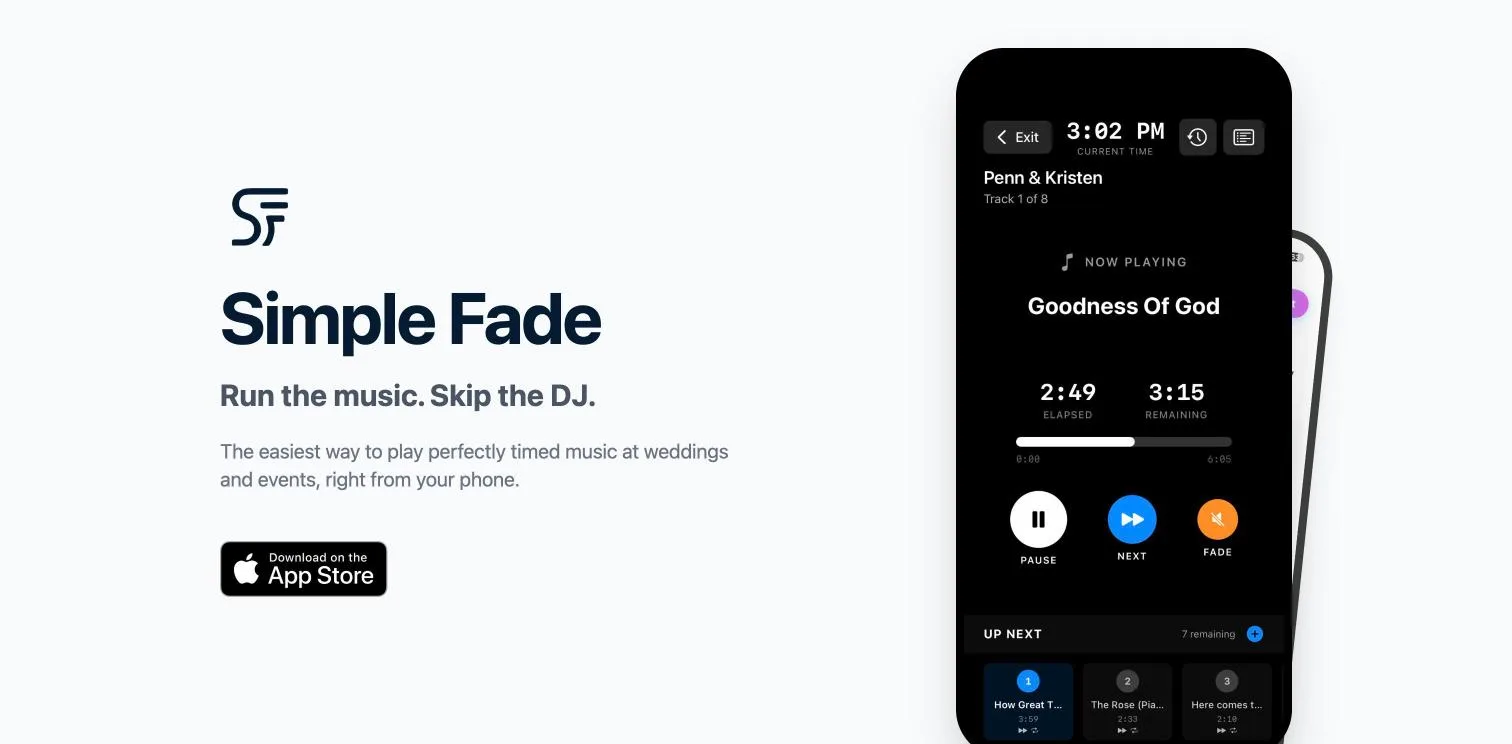
iPhone Duo
Run the whole show from one screen.
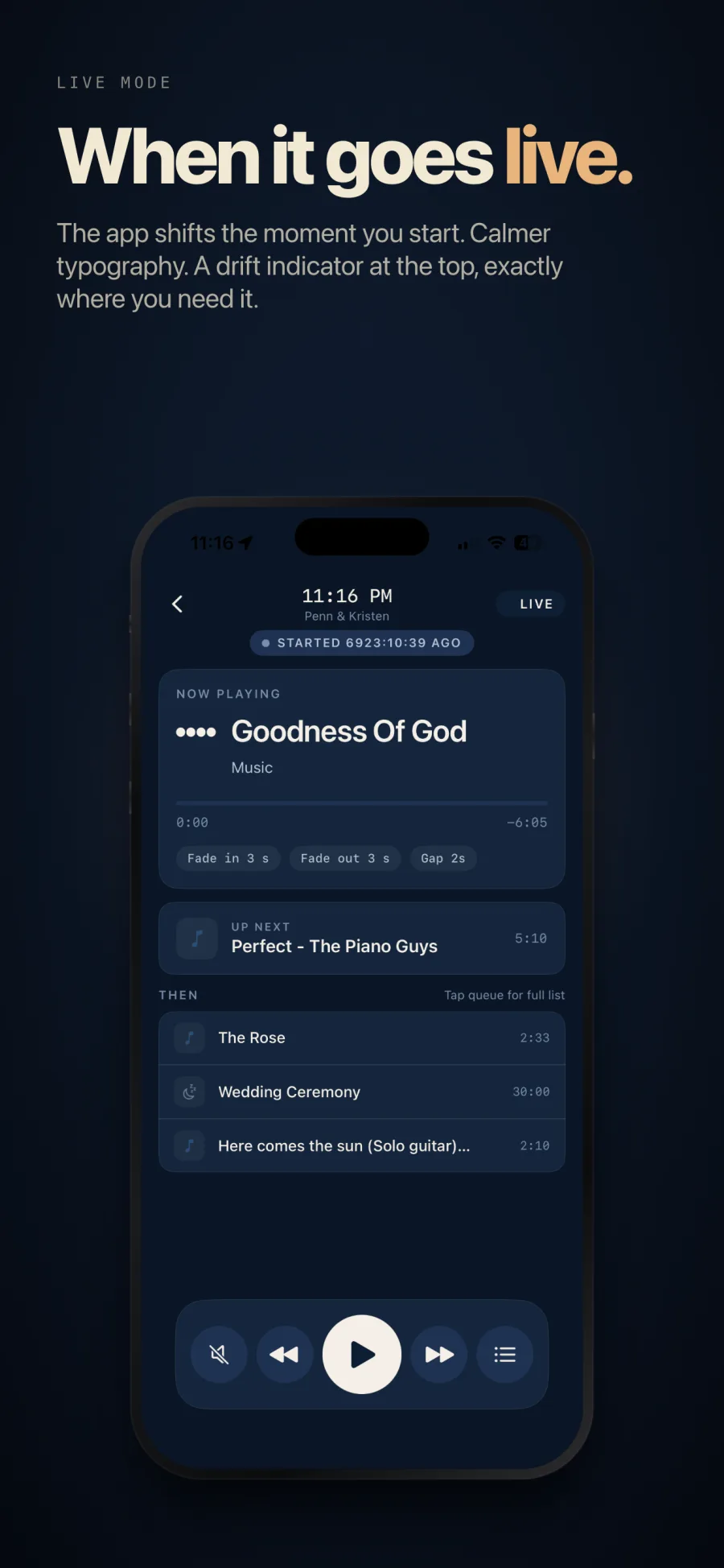
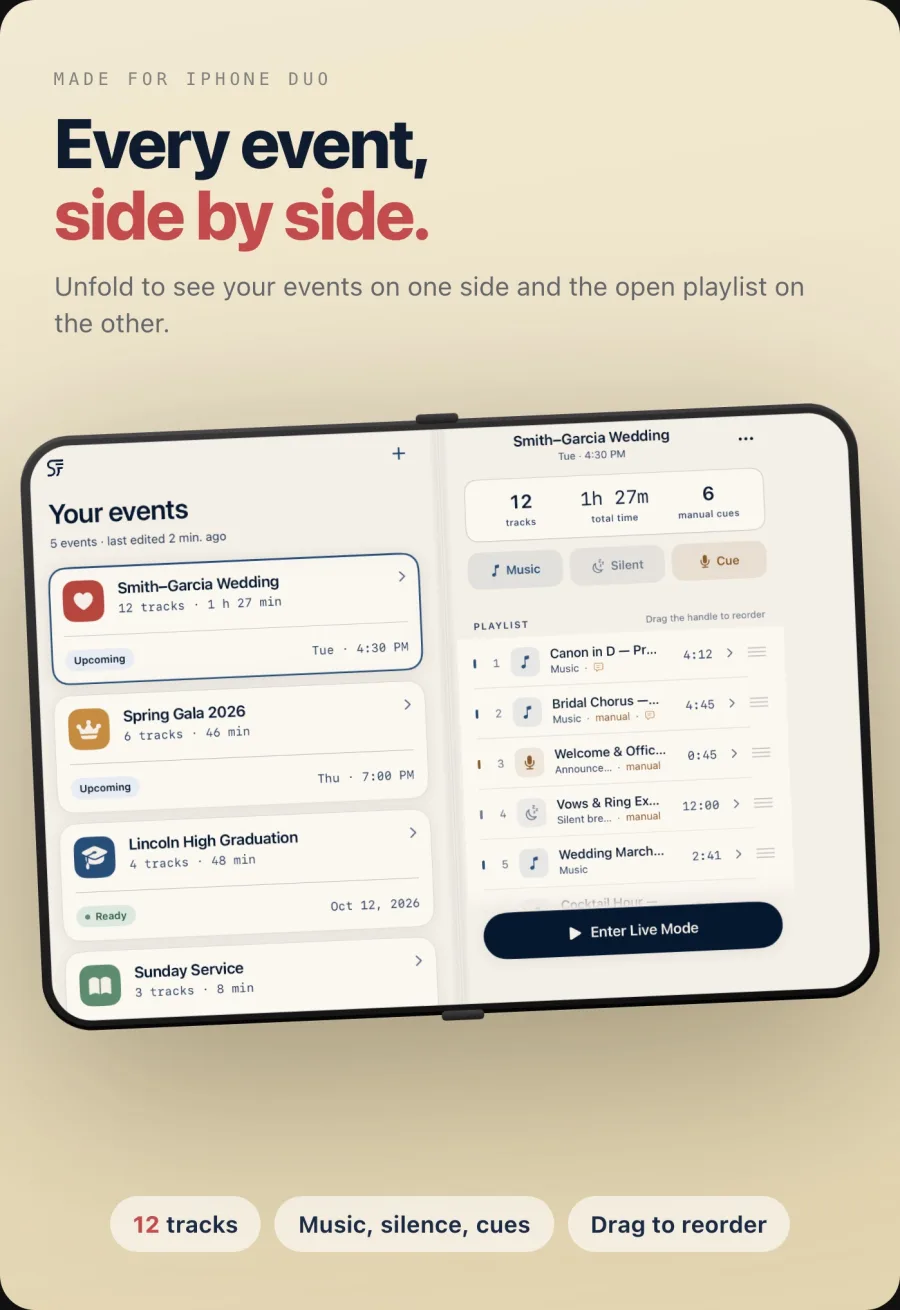
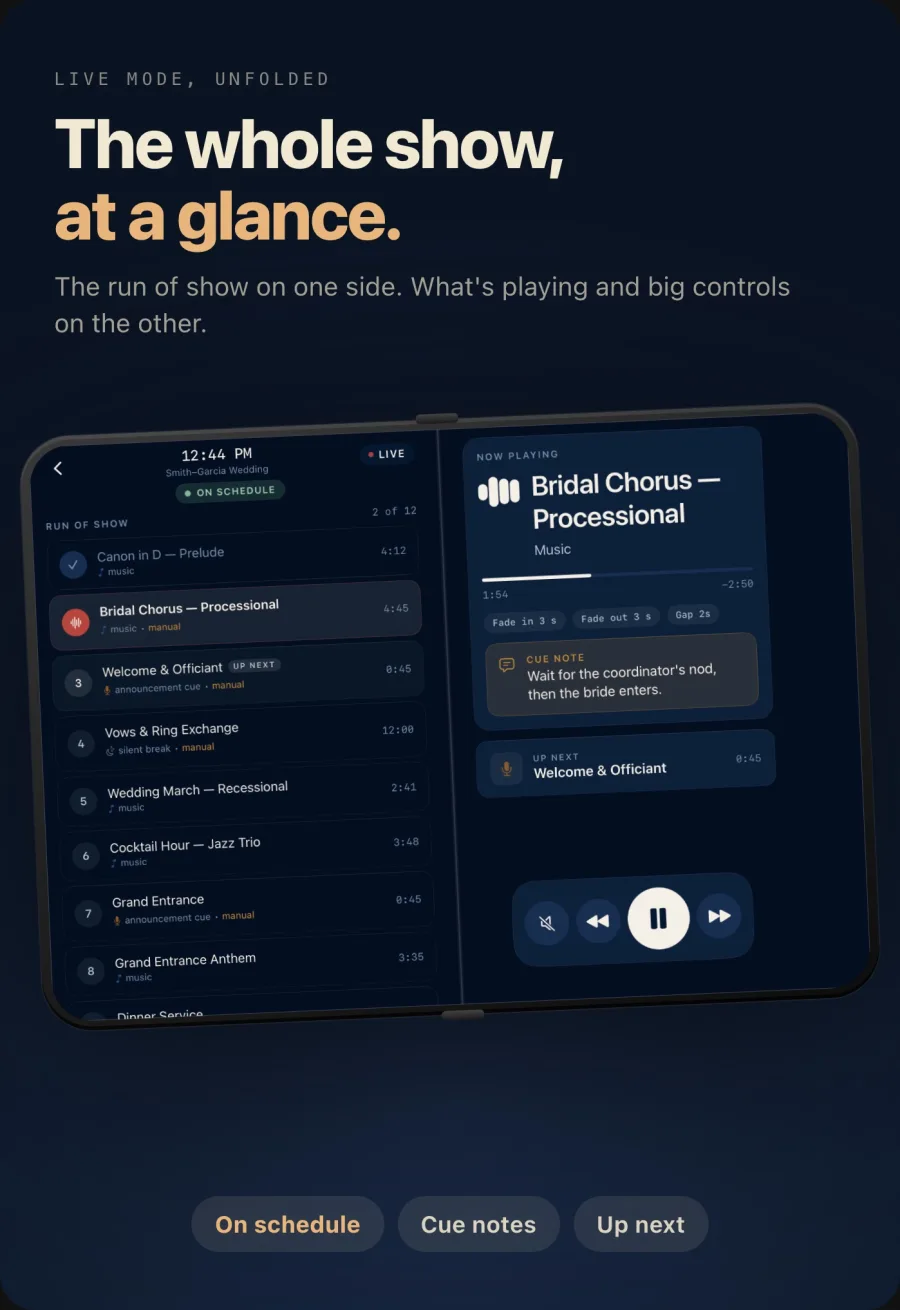
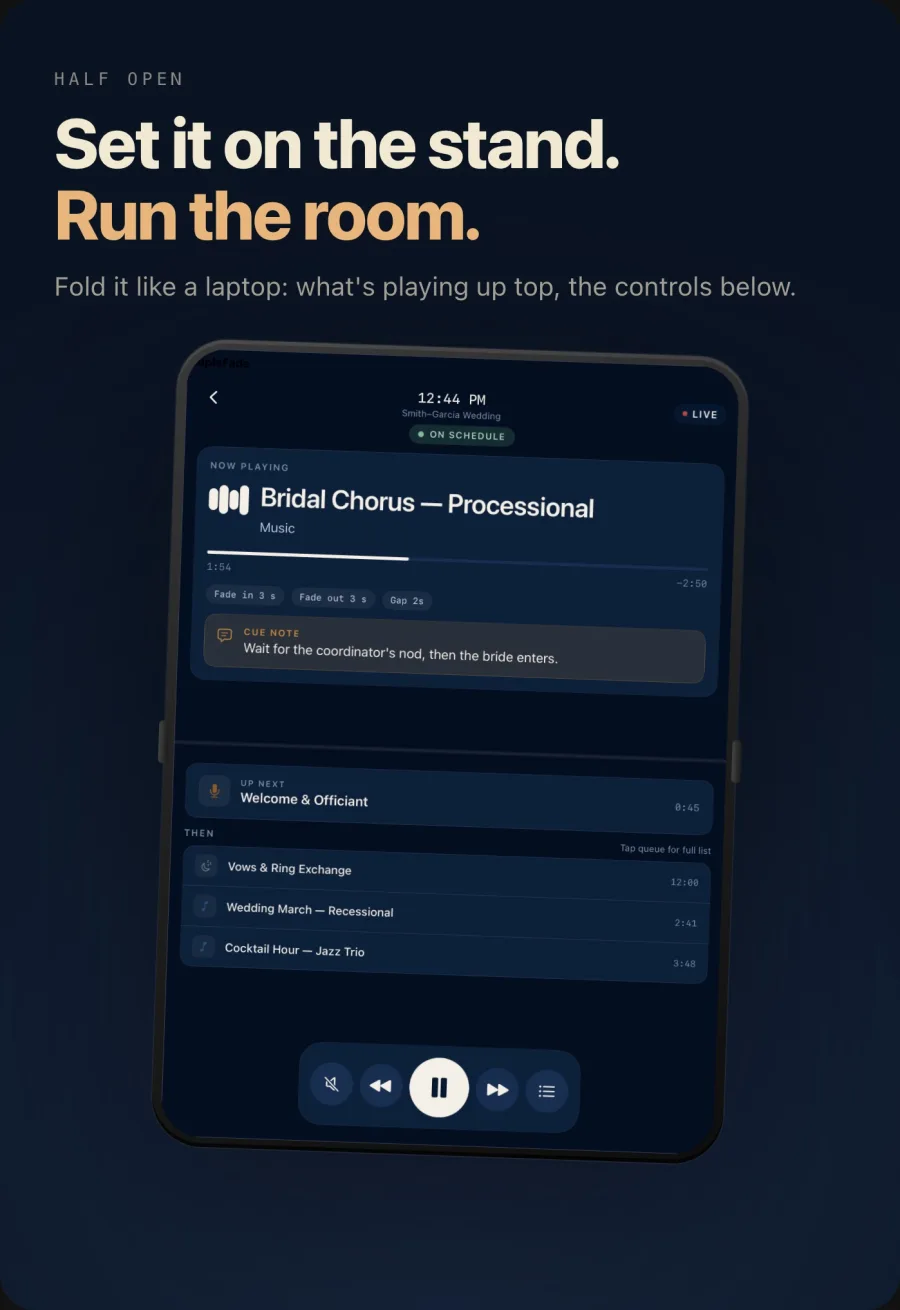
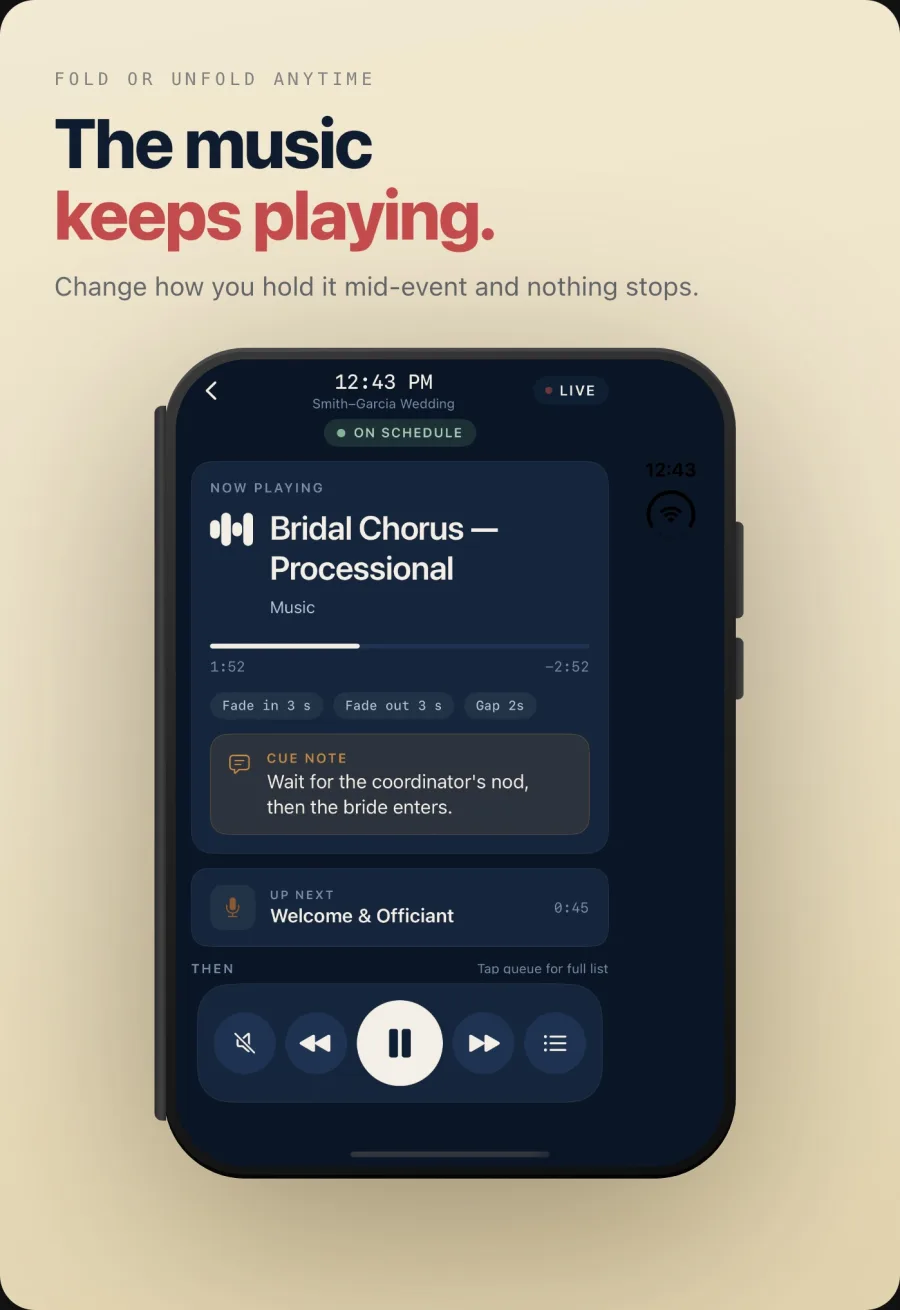
Unfolded, your events sit beside the open playlist. In Live Mode the run of show is on one side and what's playing, with big controls, on the other. Fold or unfold mid-event without stopping the music.
Arrives in version 1.4, in App Review now.
What it does
Plan the run
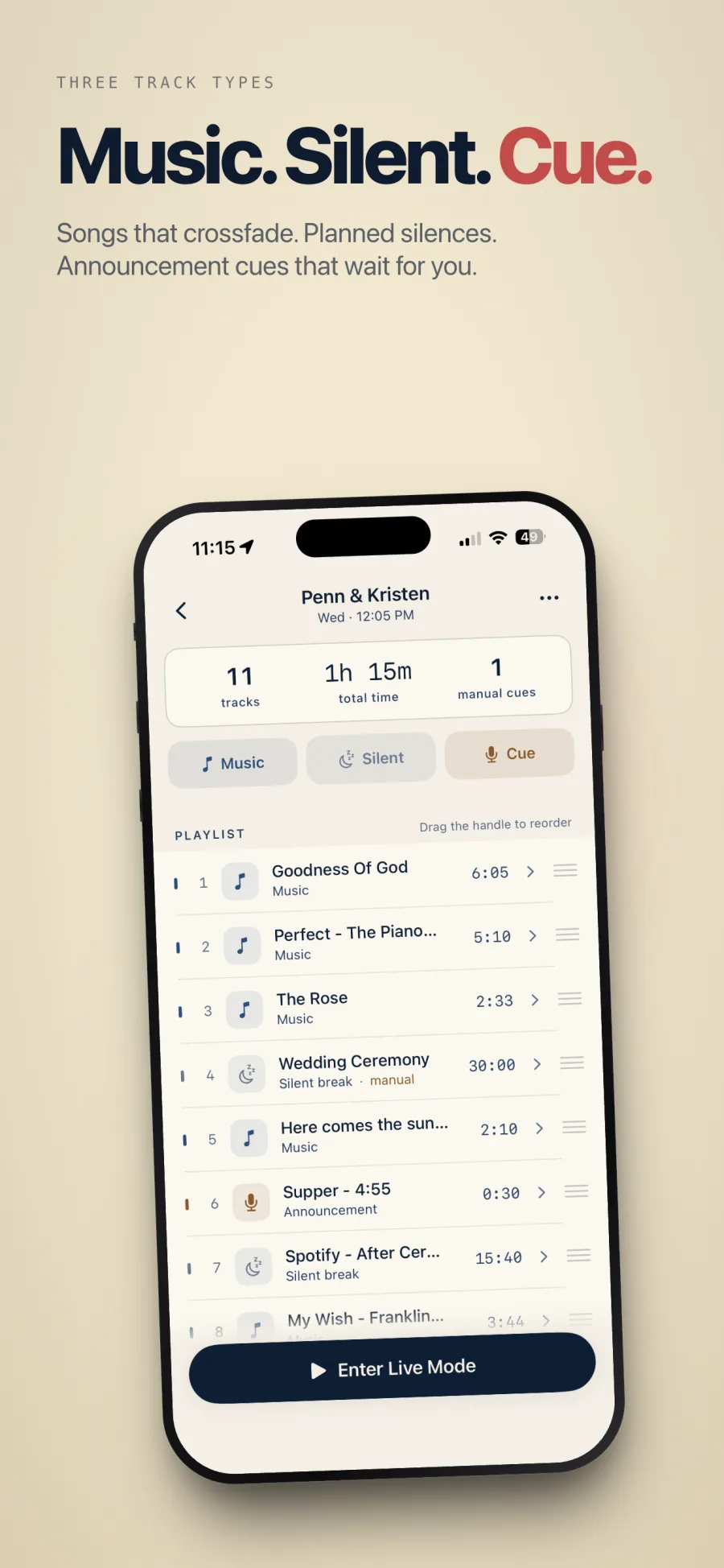
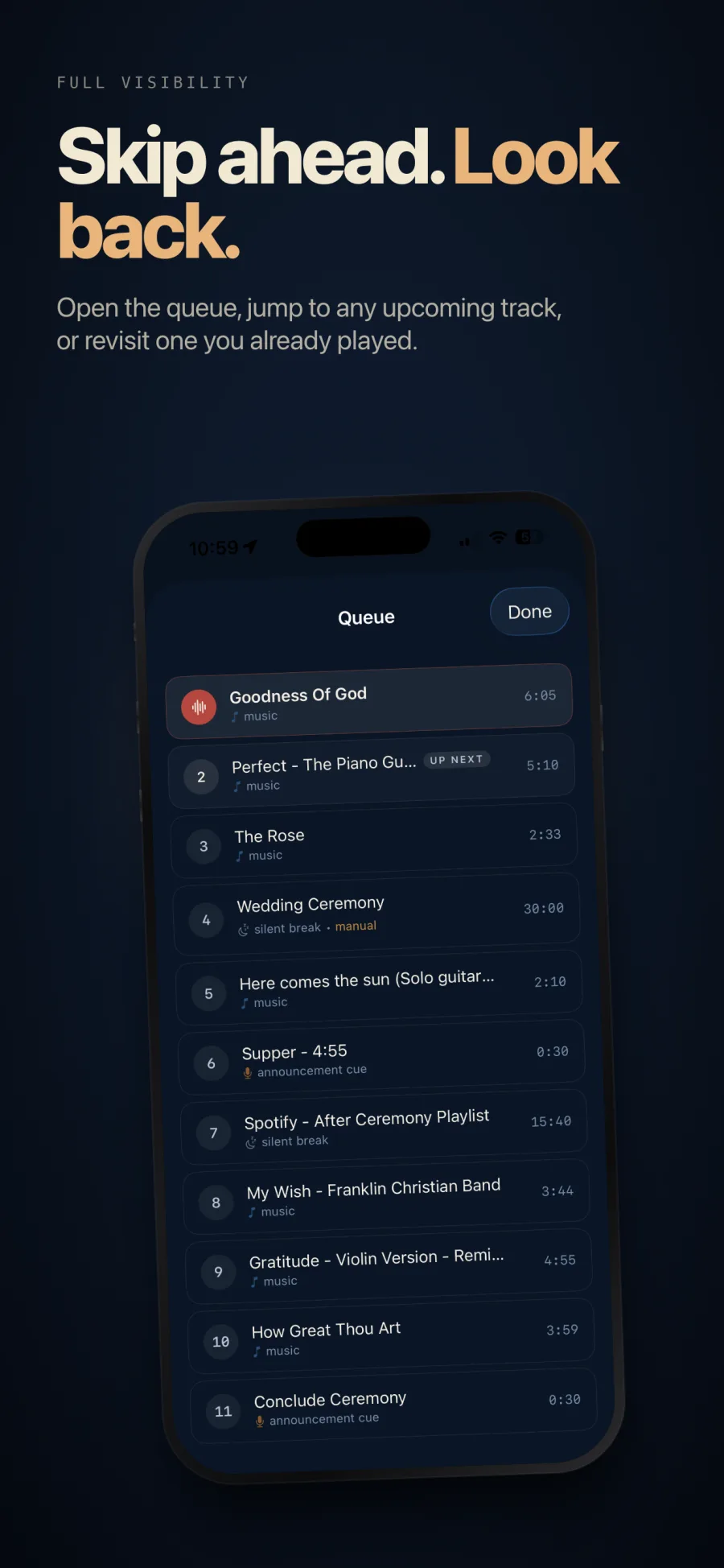
Lay out every track and cue for your event ahead of time, so you're never scrambling in the moment.
Music & silent cues
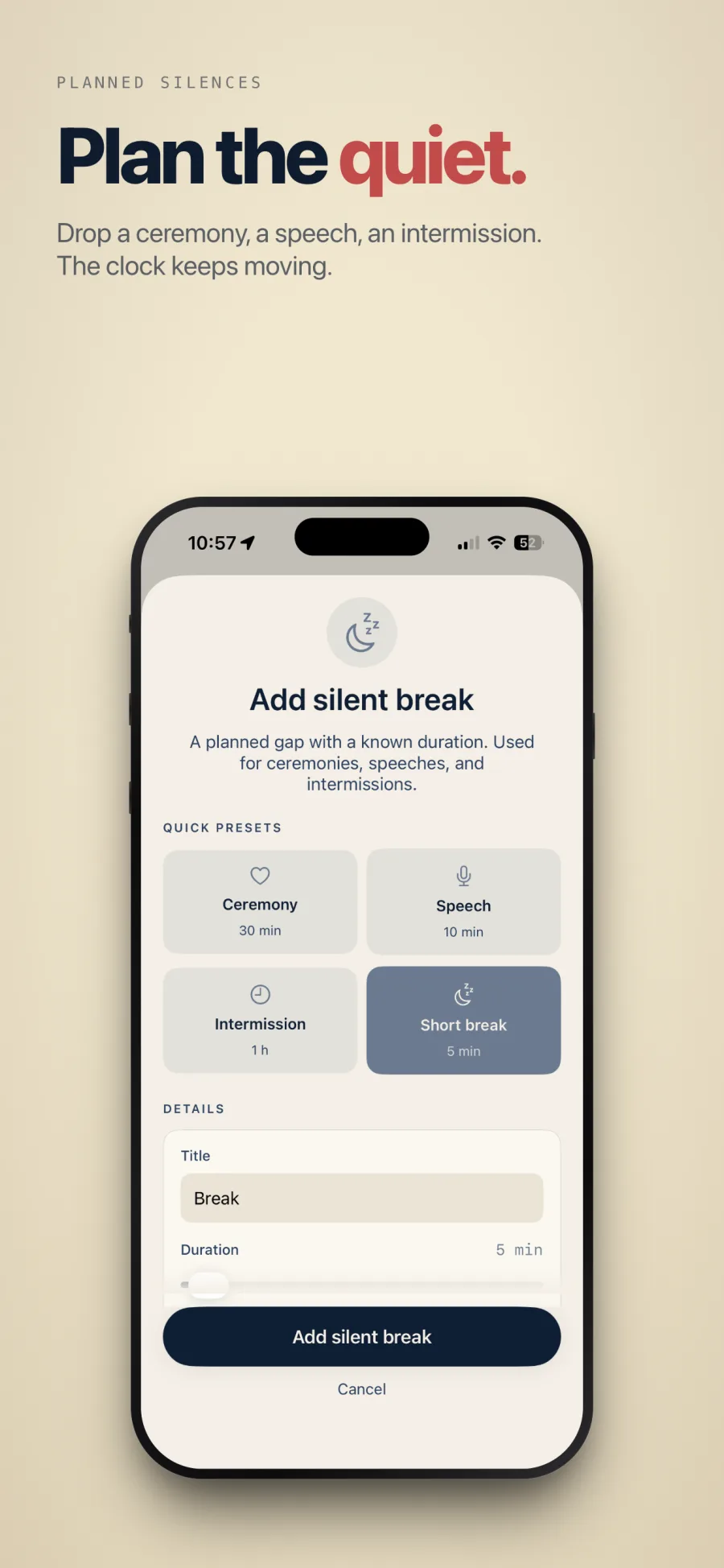
Drop in silent breaks and timed cues exactly where you need a pause or a hand-off.
Crossfade
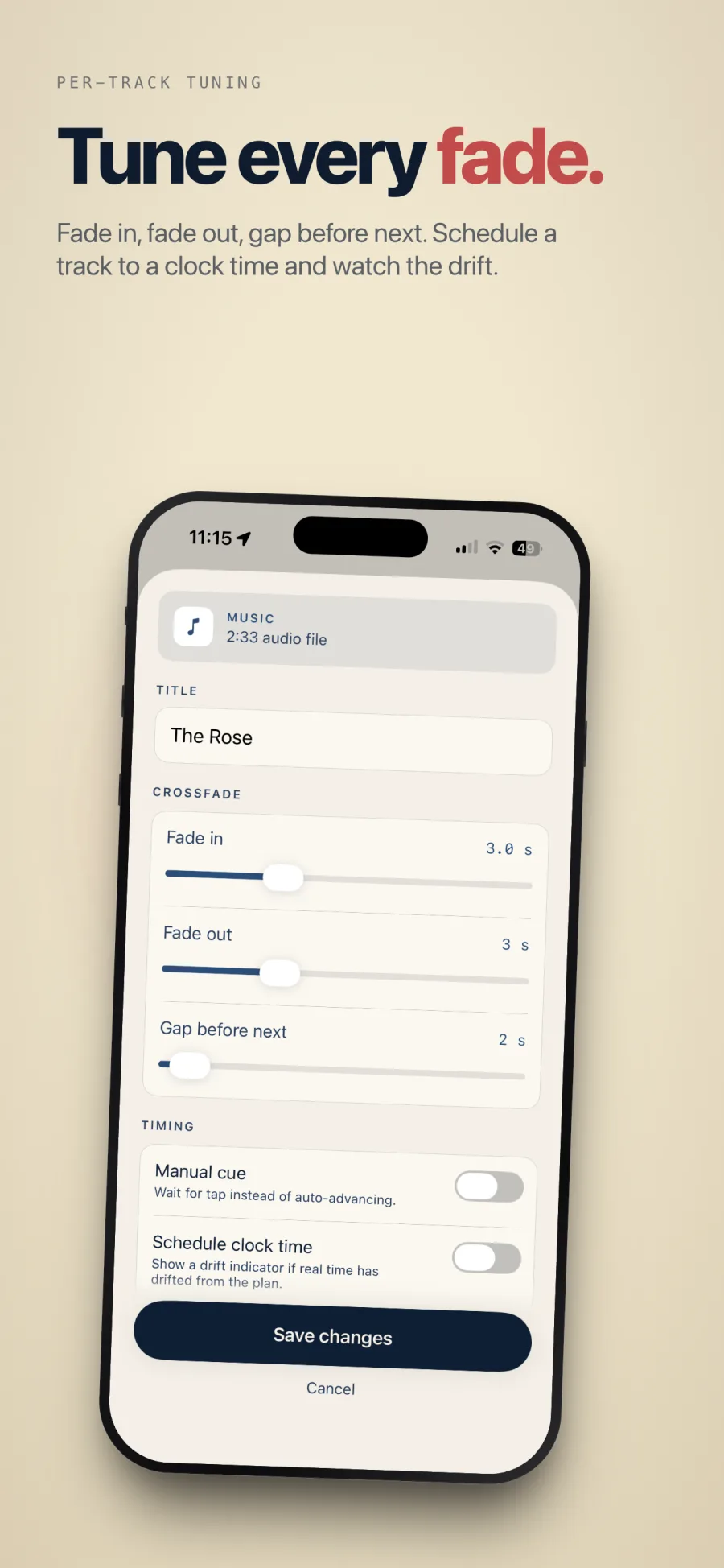
Seamless crossfades move from one moment to the next with no awkward gaps.
Live mode
Run your plan live, skip ahead, and stay in control with a clean, glanceable interface.
Know the timing
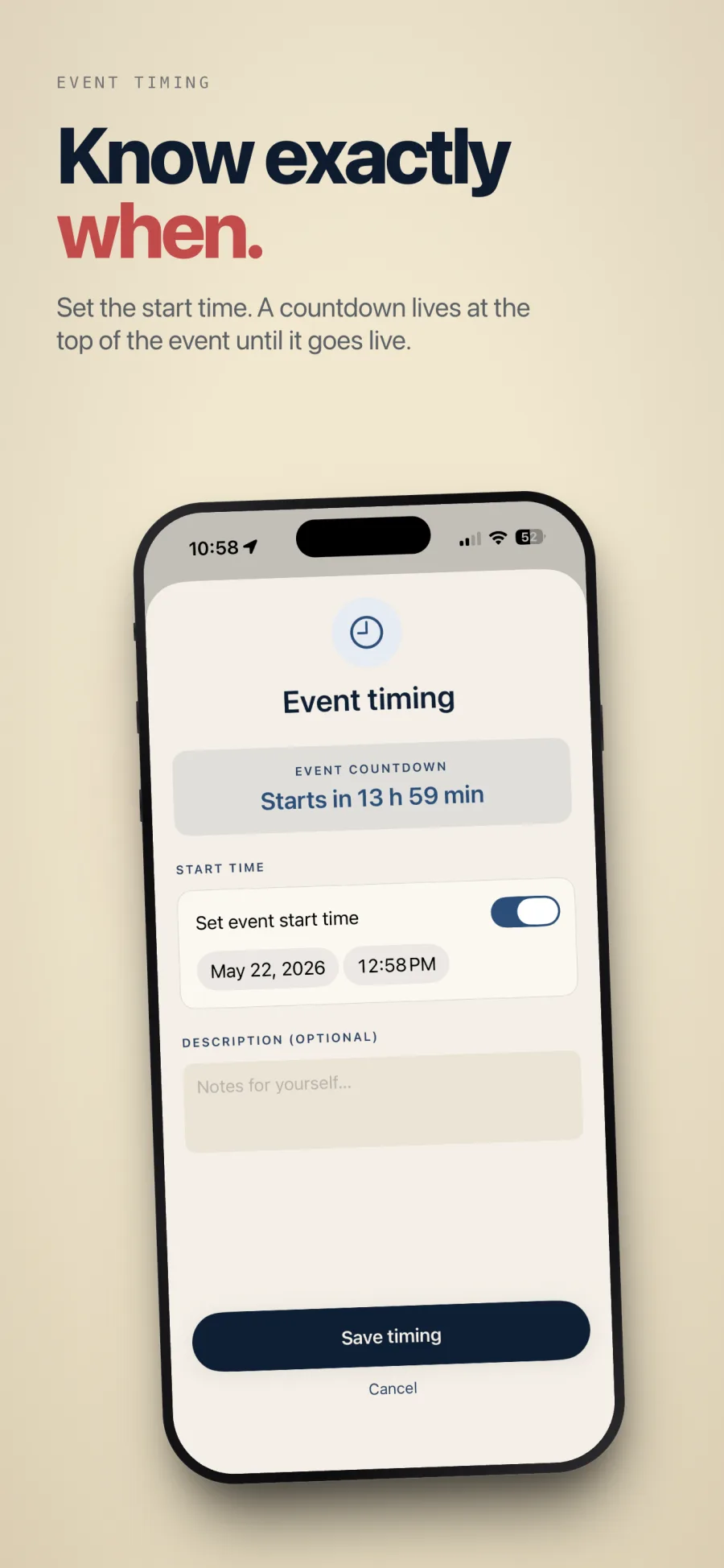
See exactly how long each segment runs so your event stays right on schedule.